
Kia Telluride: Driving your vehicle / Drive mode integrated control system. DRIVE MODE
The drive mode integrated control system in the Kia Telluride allows the driver to choose a driving mode that best matches current road conditions, the surrounding environment, or personal driving preference.
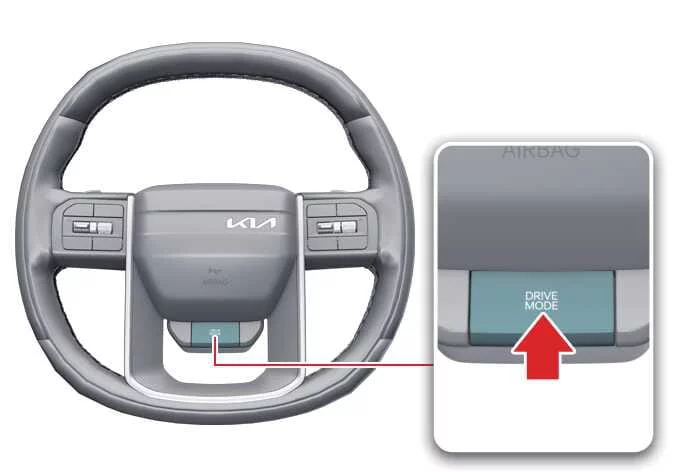
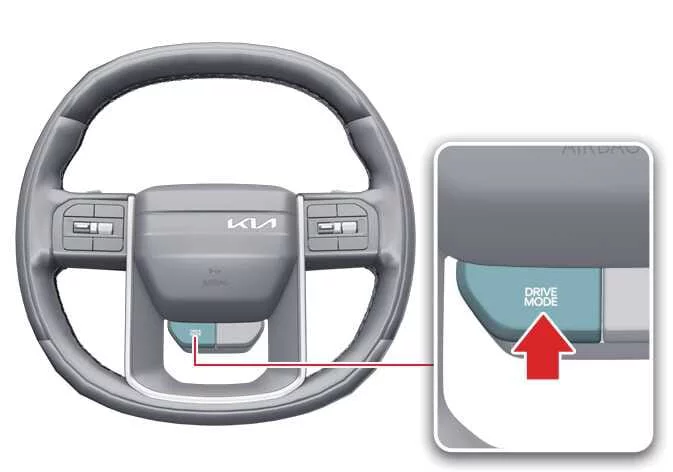
DRIVE MODE
You can select a suitable drive mode based on your preferred driving feel or the condition of the road ahead.
|
|
-
Press the DRIVE MODE button to change the selected mode. Each press cycles the system to the next available driving mode.
-
DRIVE MODE normally returns to NORMAL mode when the vehicle is restarted.
-
If the Kia Telluride is restarted while ECO mode was previously selected, the vehicle remains in ECO mode.
If the vehicle is restarted from any mode other than ECO, the drive mode returns to NORMAL.
|
DRIVE MODE |
Characteristics |
|---|---|
|
ECO |
Helps improve fuel efficiency by supporting more economical driving. |
|
NORMAL |
Provides balanced performance, smooth operation, and a comfortable ride for everyday driving. |
|
SPORT |
Delivers a more responsive and dynamic driving feel. |
|
MY DRIVE |
Allows the driver to customize selected vehicle responses by combining available settings through the infotainment system. |
ECO mode
|
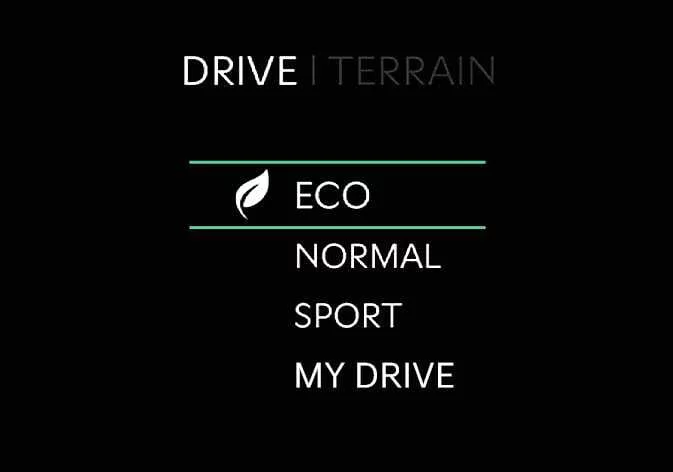
ECO mode adjusts engine and transmission control logic to support better fuel efficiency during normal driving.
-
When ECO mode is selected, the ECO indicator appears on the instrument cluster.
-
When the vehicle is restarted, the drive mode remains in ECO mode.
TIP
Actual fuel efficiency depends on driving style, traffic, road surface, vehicle load, and overall driving conditions.
When ECO mode is activated:
-
Accelerator response may become more gradual, and acceleration may feel slightly reduced.
-
Air conditioning performance may be limited to help reduce energy demand.
-
The transmission shift pattern may change to support more efficient driving.
-
Engine sound may become more noticeable under certain driving conditions.
These operating characteristics are normal when ECO mode is active in the Kia Telluride.
Limitations of ECO mode operation
If any of the following conditions occur while ECO mode is active, system operation may be limited even though the ECO indicator remains unchanged:
-
When the coolant temperature is low:
System performance may be temporarily restricted until the engine reaches its normal operating temperature.
-
When driving uphill:
Available power may feel reduced on inclines because engine torque is managed for efficiency.
-
When the accelerator pedal is fully pressed for several seconds:
The system limits ECO operation when it detects that the driver is requesting strong acceleration.
NORMAL mode
|
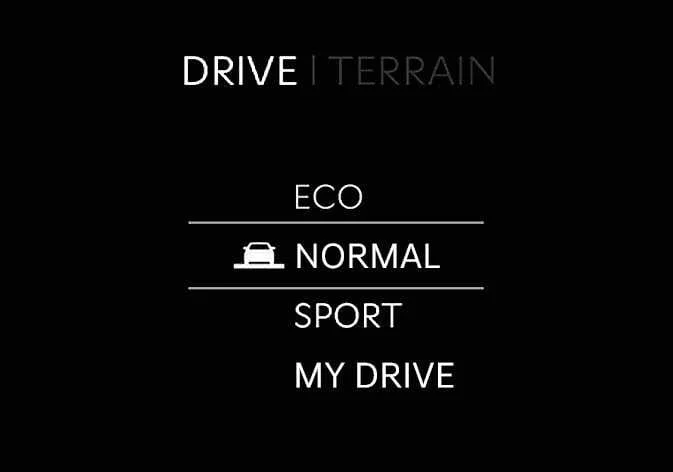
NORMAL mode provides balanced driving performance, smooth acceleration, and comfortable ride quality for everyday Kia Telluride operation.
SPORT mode
|
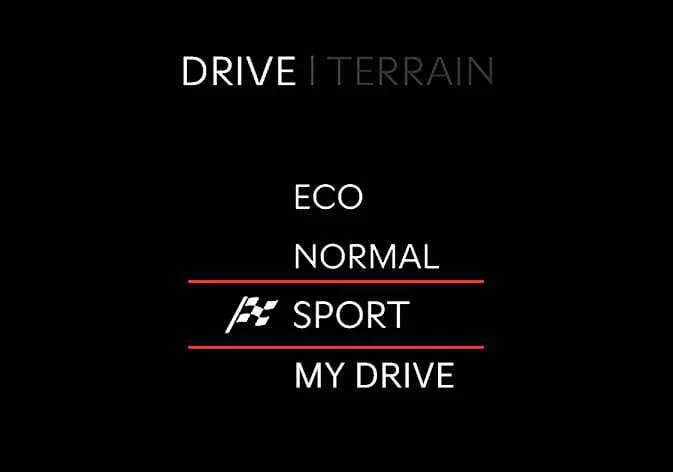
SPORT mode adjusts steering effort, engine response, and transmission control logic to create a more responsive and performance-focused driving character.
-
When SPORT mode is selected, the corresponding indicator appears on the instrument cluster.
-
After restarting the engine, the drive mode returns to NORMAL. To use SPORT mode again, press the DRIVE MODE button and select SPORT.
-
When SPORT mode is active:
-
Engine speed may remain higher for a short period even after the accelerator pedal is released.
-
Upshifts may be delayed during acceleration to provide a stronger response.
-
TIP
Fuel economy may decrease when the Kia Telluride is driven in SPORT mode.
MY DRIVE mode
|
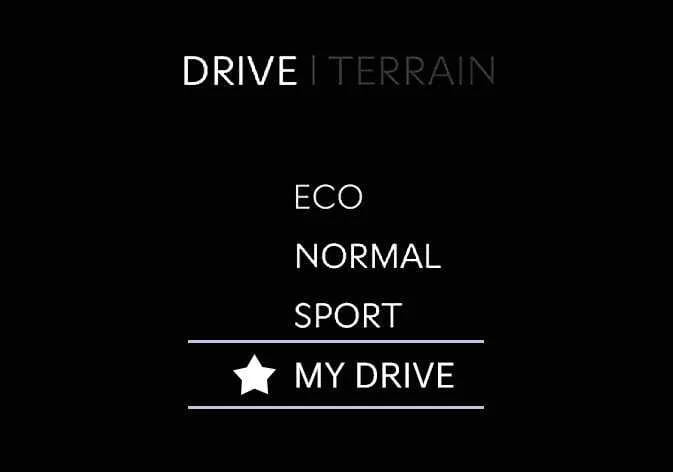
In MY DRIVE mode, the driver can personalize selected vehicle settings and combine available driving characteristics through the infotainment system screen.
To configure MY DRIVE mode, select Setup > Vehicle > Drive Mode > MY DRIVE MODE from the infotainment system.
|
Adjust |
MY DRIVE MODE |
|---|---|
|
Powertrain |
ECO/NORMAL/SPORT |
|
Steering |
NORMAL/SPORT |
TIP
The infotainment system interface may change after software updates. For the latest menu layout and operating details, refer to the manual provided in the infotainment system and the quick reference guide for your Kia Telluride.
 Smart ISG
Early Engine Restart When the Idle Stop & Go system automatically stops the engine, Early Engine Restart in the Kia Telluride can restart the engine without driver input if the front-view camera detects that the vehicle ahead has begun moving away...
 Active Air Flap (AAF): (if equipped)
The Active Air Flap (AAF) system in the Kia Telluride controls the air flap located below the front bumper to help manage airflow for component cooling and improved fuel efficiency...
Other information:
Kia Telluride (LQ2, 2027-2026) Owner's Manual: Brake fluid. Checking the brake fluid level
Checking the brake fluid level Inspect the hydraulic brake fluid level in the master cylinder reservoir regularly. The fluid line should sit consistently between the clearly marked MAX and MIN indicators on the exterior wall of the reservoir. To protect the sensitive hydraulic circuit against abrasive dirt and moisture contamination, clean the exterior cap and surrounding plastic surfaces thoroughly before opening the reservoir to add brake fluid.
Kia Telluride (LQ2, 2027-2026) Owner's Manual: Surround View Monitor malfunction and limitations
Surround View Monitor malfunction If Surround View Monitor malfunctions, the image on the display may appear green, blue, black, distorted, or otherwise abnormal. Have the Kia Telluride inspected by an authorized Kia dealer if Surround View Monitor does not operate correctly, if the screen flickers, or if the camera image is not displayed properly.